⚡ BootForge is an open-source systems engineering platform by Botdigit (botdigit.com) ↗. Explore our flagship software ecosystem!
An Open-Source Product by Botdigit

Forge Any Boot Media.
Zero Corruptions. Multi-OS.

The memory-safe Rust platform combining the multi-boot freedom of Ventoy, the fine-grained tuning of Rufus, automated headless QEMU testing, and a live disaster Recovery OS.

$ cargo install bootforge-cli
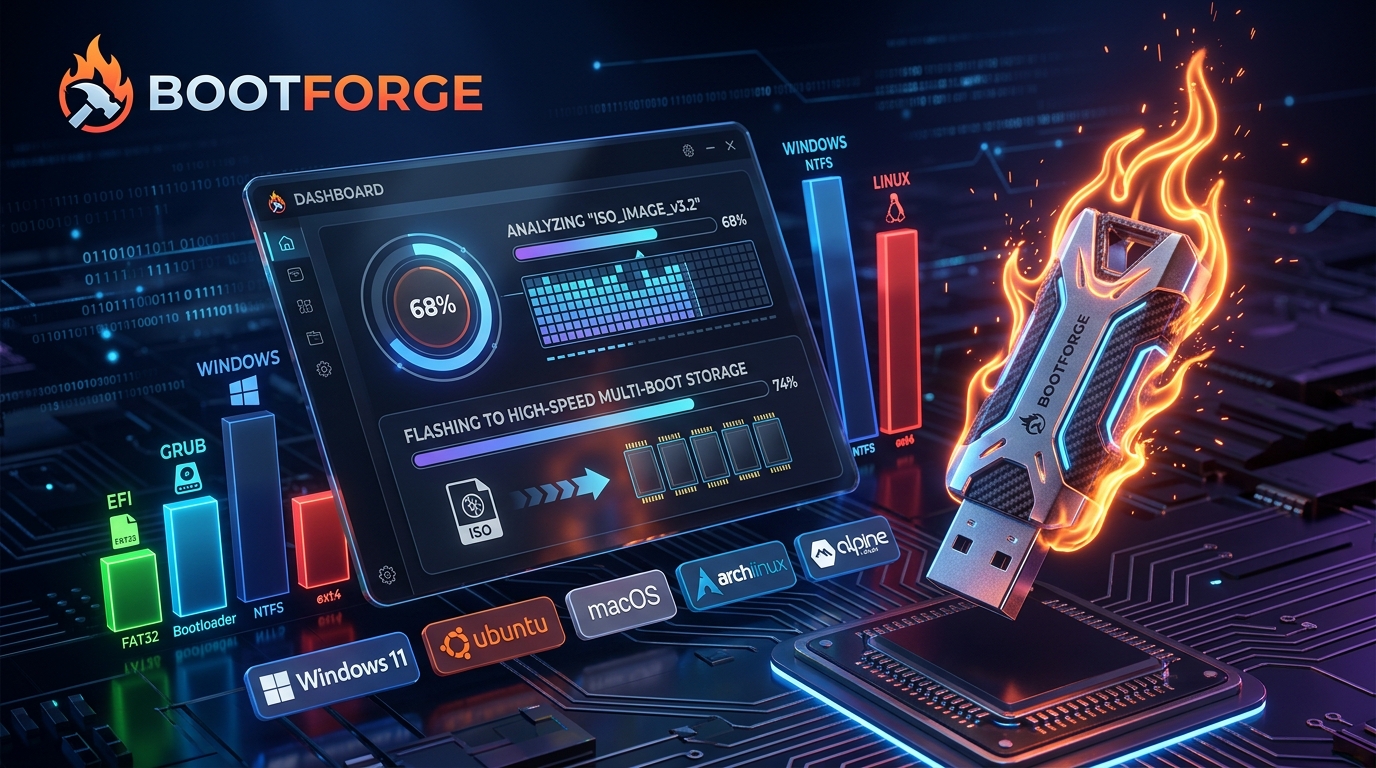
BootForge Universal Platform Banner

Universal Non-Destructive Storage Layout

GPT Hybrid Partition Table + MBR Fallback

Unlike Rufus or Etcher which overwrite the entire physical drive, BootForge engineers a clean hybrid partition map. Your boot media can safely hold everyday documents alongside multiple operating systems without conflict.

ESP / EFI FAT32 • 100MB
PAYLOAD STORAGE & PERSONAL DATA ExFAT • Universal Mac / Win / Linux Compatible
RECOVERY OS Live Doctor • 850MB
ESP Partition: GRUB2, Limine & Ventoy UEFI Bootchains
Data Volume: Drag-and-drop multiple .iso / .img files directly
Recovery Volume: Standalone Rust Rescue OS with disk diagnostic toolkit

The BootForge Studio Experience

Experience how BootForge dynamically inspects ISO payloads, crafts storage partitions, and guarantees bootability with headless virtual verification.

BootForge Engine v0.1.0 — Flash & Virtual QEMU Verification
MEMORY-SAFE RUST CORE
Select Target Image Payload: Multi-ISO Capable
Target USB Media: SanDisk Extreme Pro (128 GB)
Bus & Interface: USB 3.2 Gen 2 (10 Gbps)
Safety Heuristic: ✓ Internal Drives Locked
Boot Architecture: UEFI (GPT) + Legacy BIOS (MBR)
CONSOLE JOURNAL READY
[INIT] Storage subsystem initialized. Qualified removable media detected.
[READY] Target image selected. Press "Forge Bootable Media" to begin.
Progress: 0% Speed: Idle Verification: Auto-QEMU Enabled

Built for Systems Engineers & Everyday Users

Traditional flashers treat storage like a raw tape. BootForge treats boot media as an engineered, multi-payload operating environment.

⚡

Multi-Boot & Live ISO Stacking

Drop multiple Windows, Linux, and Rescue ISOs onto a single USB stick without destructive formatting. BootForge's EFI chainloader dynamically detects payloads at runtime.

🛡️

Triple-Layer Anti-Brick Heuristics

Accidentally wiping your main SSD is mathematically impossible. Our safety transaction journal interrogates IOKit, ioctl, and Win32 volume properties before every write.

🖥️

Automated Headless QEMU Verification

Never walk over to another PC only to discover your USB won't boot. BootForge automatically spawns an ephemeral virtual machine to empirically verify boot handoff.

🩺

Built-In OS Doctor & Recovery OS

Includes a lightweight live Rust-powered Linux recovery environment to repair damaged BCD stores, test RAM, recover lost partitions, and clone damaged disks.

🪟

Windows 11 Customization Engine

Bypass TPM 2.0, Secure Boot, minimum RAM checks, and mandatory Microsoft Account creation with clean XML unattended answers—zero third-party bloat.

🦀

Memory-Safe Pure Rust Engine

Zero buffer overflows, deterministic memory management, cross-compiled for Apple Silicon, Intel x86_64, ARM64 Linux, and Windows 10/11.

Why Developers & Sysadmins Choose BootForge

Compare BootForge against industry tools like Rufus, Ventoy, and BalenaEtcher.

Feature Capability ⚡ BootForge Rufus Ventoy BalenaEtcher
Native macOS Support (Apple Silicon & Intel) ✓ Yes (Native) ✕ Windows Only ✕ CLI script only ✓ Electron GUI
Multi-Boot Dynamic ISO Stacking ✓ Yes ✕ Single-ISO only ✓ Yes ✕ Single-ISO only
Automated Headless QEMU Boot Verification ✓ Built-in ✕ No ✕ No ✕ No
Windows 11 TPM / RAM / Account Bypass ✓ Yes (Auto) ✓ Yes ✕ Requires plugins ✕ No
Live Recovery OS & Disk Doctor ✓ Bundled ✕ No ✕ No ✕ No
Pure Memory-Safe Rust Architecture ✓ 100% Rust ✕ C/Win32 ✕ C/Bash ✕ Node.js / Electron (400MB)
Anti-Brick Protection System ✓ 3-Layer Hardware Guard ✓ Basic ✕ High brick risk ✕ Basic

Get BootForge for Any Operating System

Direct binaries, installers, package manager commands, and emergency live recovery images.

🍺

Homebrew Cask

macOS Terminal • Auto-Updates

Install and keep BootForge updated automatically via the Homebrew package manager.

⚡

Windows Package Managers

Winget & Chocolatey • 1-Click Install

Execute directly in Windows Terminal or PowerShell to deploy BootForge in seconds.

📦

Arch Linux AUR & Tarball

Arch AUR • Alpine • Generic Tar.gz

Compile or install using the Arch User Repository or extract the pre-compiled binary tarball.

🛠️

Doctor Rescue Capabilities

Integrated Tools & Diagnostics
  • ✓ Automatic Windows 10/11 BCD Store & EFI repair
  • ✓ Hardware RAM health tester (MemTest engine)
  • ✓ RAW disk image cloning with bad sector avoidance
  • ✓ Deleted partition table reconstruction (TestDisk)
Read Rescue Documentation
💻

Quick Shell Installers

Automated 1-Line Terminal Scripts

Direct download and installation scripts for macOS, Linux, and Windows PowerShell.

Frequently Asked Questions

What makes BootForge safer than traditional flashers? ▼
Traditional tools often let users accidentally select internal SSDs or backup drives. BootForge inspects drive topology, bus type (USB, Thunderbolt, NVMe), partition schemes, and operating system mount flags. If a target drive contains an active OS or system volume, the write engine refuses to execute.
Can I store regular files on the USB alongside bootable ISOs? ▼
Yes! BootForge formats the data partition as ExFAT, which is universally read/writable across macOS, Windows, Linux, and Android. You can drag and drop photos, documents, and videos onto the same flash drive without interfering with bootable systems.
Does BootForge support creating macOS bootable installers on a Mac? ▼
Yes. BootForge natively parses macOS installer applications (e.g., "Install macOS Sequoia.app"), extracts `createinstallmedia` parameters, and properly writes GPT partitions with APFS and Preboot environments.
Is BootForge completely open source? ▼
Yes, BootForge is 100% open source under the permissive MIT license. The entire engine, analyzers, and recovery suite can be audited and contributed to on GitHub.